Maple in Slack: alerts and a bot you can ask
Install the Maple app in Slack to route alert rules to any channel and ask the bot about services, errors and traces in a thread.
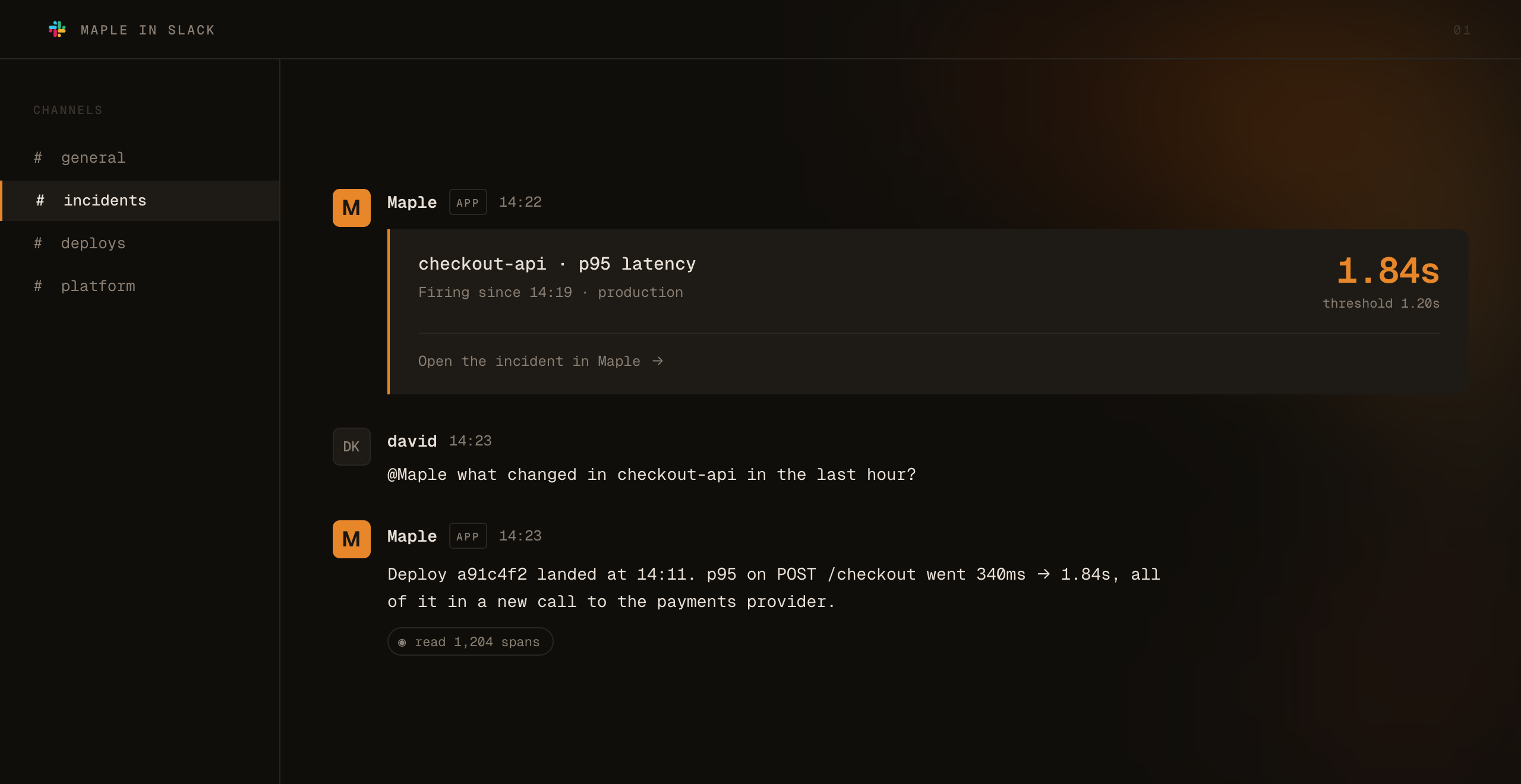
An organization admin can now install Maple into your Slack workspace from Integrations → Slack. Linking the workspace gives you two things, and you can use either one on its own.
Alerts in your channels
Your Slack workspace becomes an alert destination. Add a destination, pick the workspace, and choose a channel from the picker. Maple posts through its own bot, so there is no incoming webhook to create. Each notification carries the rule, the value that triggered it, and a link to the alert in Maple.
Ask the bot
Invite the bot to a channel with /invite @Maple, then mention it with a question such as
@Maple why is checkout slow?. It answers in a thread using your organization’s traces, logs,
metrics and errors, with the same tools as Maple’s MCP server, and shows its progress while it
works.
If Maple later needs new Slack permissions, reconnect from the Slack card to update the install in place. You no longer have to uninstall first.
Set it up with the Slack guide.